
Lovin' Animoto
Easy Video Editing For Music Videos, Slideshows
and Beautiful Presentations
Feb. 26, 2010 -- I came across Animoto a few months ago and immediately fell in love.
It can do in a few hours what used to take weeks of work by a professional. It's mind blowing for someone like me with 20+ years of video production experience to see what this program can do. It automatically edits clips to the beat of the music and the effects are very classy, not cheezy at all. So an amateur can now create beautiful high resolution videos with photos and video clips with a few clicks of the mouse.
There's a full selection of royalty free music or you can upload your own.
I decided to write this review this morning because I found myself at dinner with a friend of mine last night gushing about Animoto. My friend is the president of a non-profit looking for a way to create short compelling videos out of some home movie clips he shot overseas.
Of course, for the serious documentary filmmaker, this is probably not the right tool for you.
But if you're looking for a simple, quick and inexpensive way to put together a sharp looking music video or promo for your business (fast), this is definitely worth a look.
Two thumbs up!
(Disclosure: After this article was written, Desktop-Documentaries became an affiliate partner with Animoto. We may receive a small commission if you join one of Animoto's paid options. We joined because we are truly in love with their program and use it ourselves.)
Filmmaking Tools Quick Links
Related Articles:
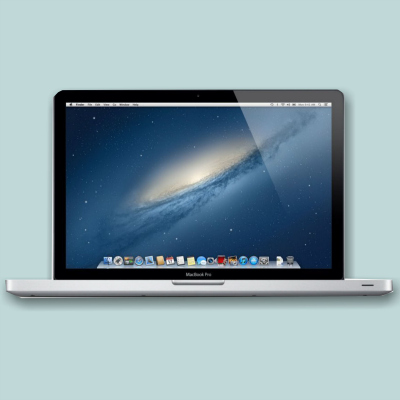
- Choosing a Computer for Video Editing
- Need Funding? How To Raise Money for Your Documentary
- Free Film Clips
- How To Choose The Best Video Editing Software
- Animoto Review | The Good and The Bad
Ready To Make Your Dream Documentary?
Sign up for our exclusive 7-day crash course and learn step-by-step how to make a documentary from idea to completed movie!

HOT!
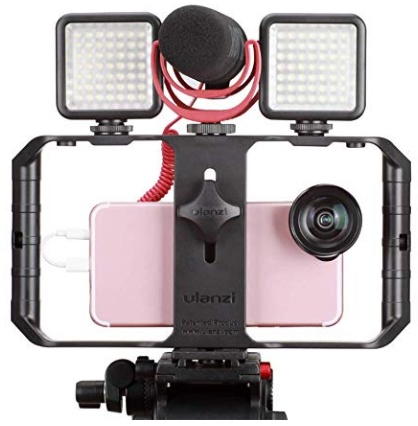
Low-Budget
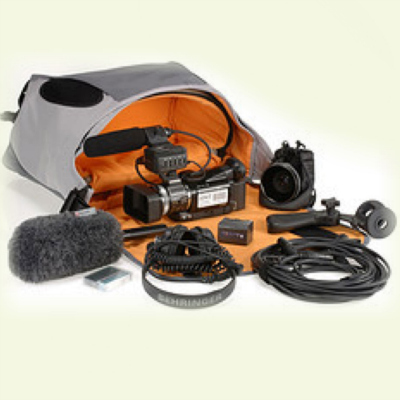
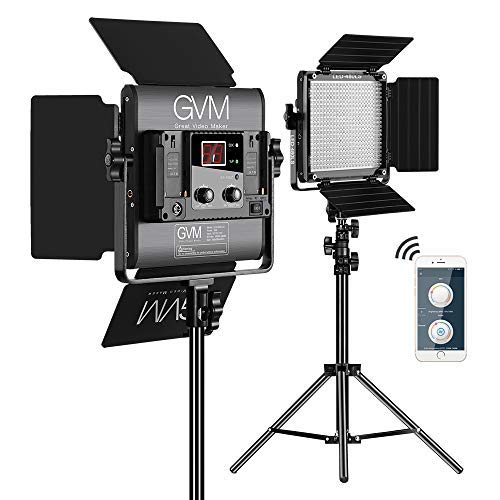
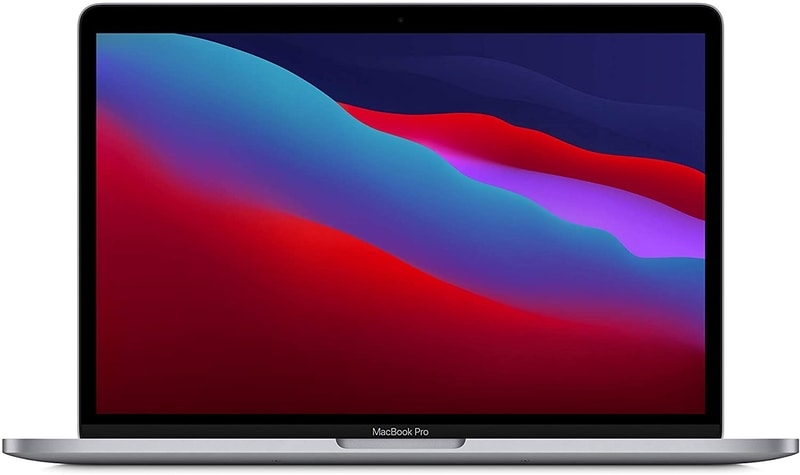
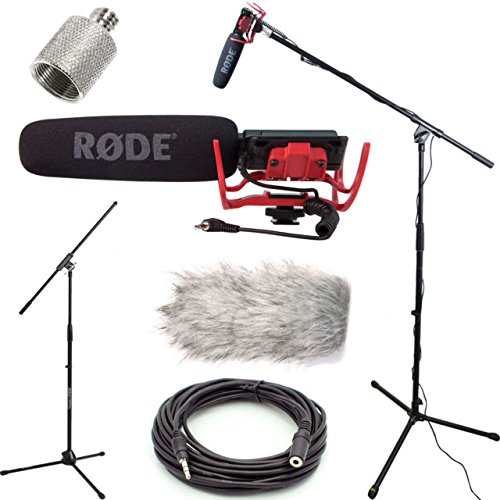
Documentary Gear
What People Are Saying
Desktop Documentaries
Comments

I just wanted to say that I think your website is amazing . I am a beginner with an idea, and the info and articles on your website are easy to understand and answer many questions I have. I can not wait to start filming!

- Sarah (Sydney, Australia)
I am a professional filmmaker, and I applaud this site for detailing the ABC's of documentary filmmaking. It serves as my own checklist as I continue making my own movies ... Thanks!
- Sabrina Aviles - Boston, Mass.
New! Comments
[To ensure your comment gets posted, please avoid using external links/URL's]