
Choosing A Computer For Video Editing
Look for processing power, memory and hard drive space
Disclosure: As an Amazon partner, Desktop Documentaries may earn a small commission from qualifying purchases through links on this page at no extra cost to you. Thank you.
Just about any computer these days can edit a simple video, even your smartphone!
For serious movie making, you're going to need to step it up a notch.
Especially with 4K, 6k and even 8k video, you need a computer that can handle and process all those gigabytes of information. You don't want your computer crashing every few minutes or sitting there locked in the spinning wheel of death every time you make an edit, do you?
If you just need to edit a simple 1-minute home movie, you can do that on your iPad.
But if you plan to be sitting at your computer for 3 months to a year editing your 60-90 minute feature documentary with multiple layers of video, audio and graphics, you've got some thinking to do to figure out exactly what will work best for your particular needs.
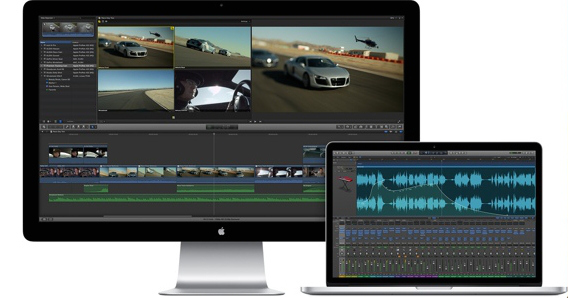
One way to choose your video editing computer is to first decide what video editing software you prefer.
Obviously, if you want to edit with Final Cut Pro, then you'll want to choose a Mac. (Premiere Pro and Davinci Resolve are also great platforms for editing on Mac). Or if you've got your heart set on Sony Vegas Pro, go toward a PC.
 |
"Multimedia computers generally have better processors, more RAM and higher-end graphics cards compared to an everyday desktop." |
The most important things to consider when buying a computer for video editing is the processing power, storage space and screen size.
Below are a few solid choices to get you started in your search for a video editing computer.
DESKTOP COMPUTERS FOR
VIDEO EDITING
Apple Mac Studio
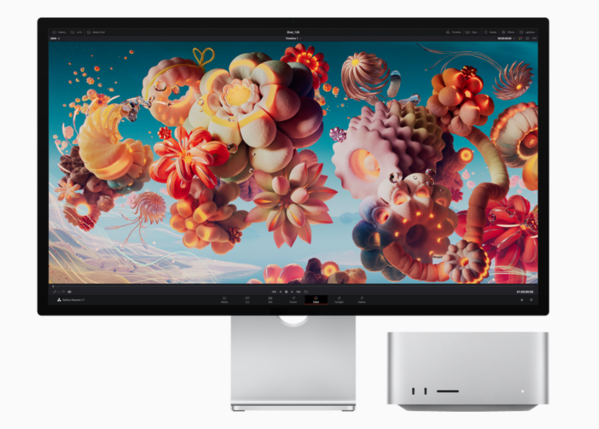
Apple Mac Studio with the Pro Display XDR
Mac computers are a standard in the video production world, so you can't go wrong with a Mac. But choosing the right one can be a bit tricky depending on your budget and the level of video editing performance you need.
Apple makes a variety of computers including the Mac mini, Macbook Air and Macbook Pro, and more recently, Mac Studio. Each year brings new upgrades in terms of processing power, memory and storage capability.
If you're thinking about upgrading your current Mac, the new Pro Display XDR screen will surely seal the deal.
Still, read on for other great options running on the old standby, Intel.
Note on Apple: All Mac computer models newer than 2019 feature the new Apple-designed M1 processor. However, the below Mac computers still use Intel processors, which are currently preferred by editors who work with Adobe Premiere Pro.
Apple Mac Pro
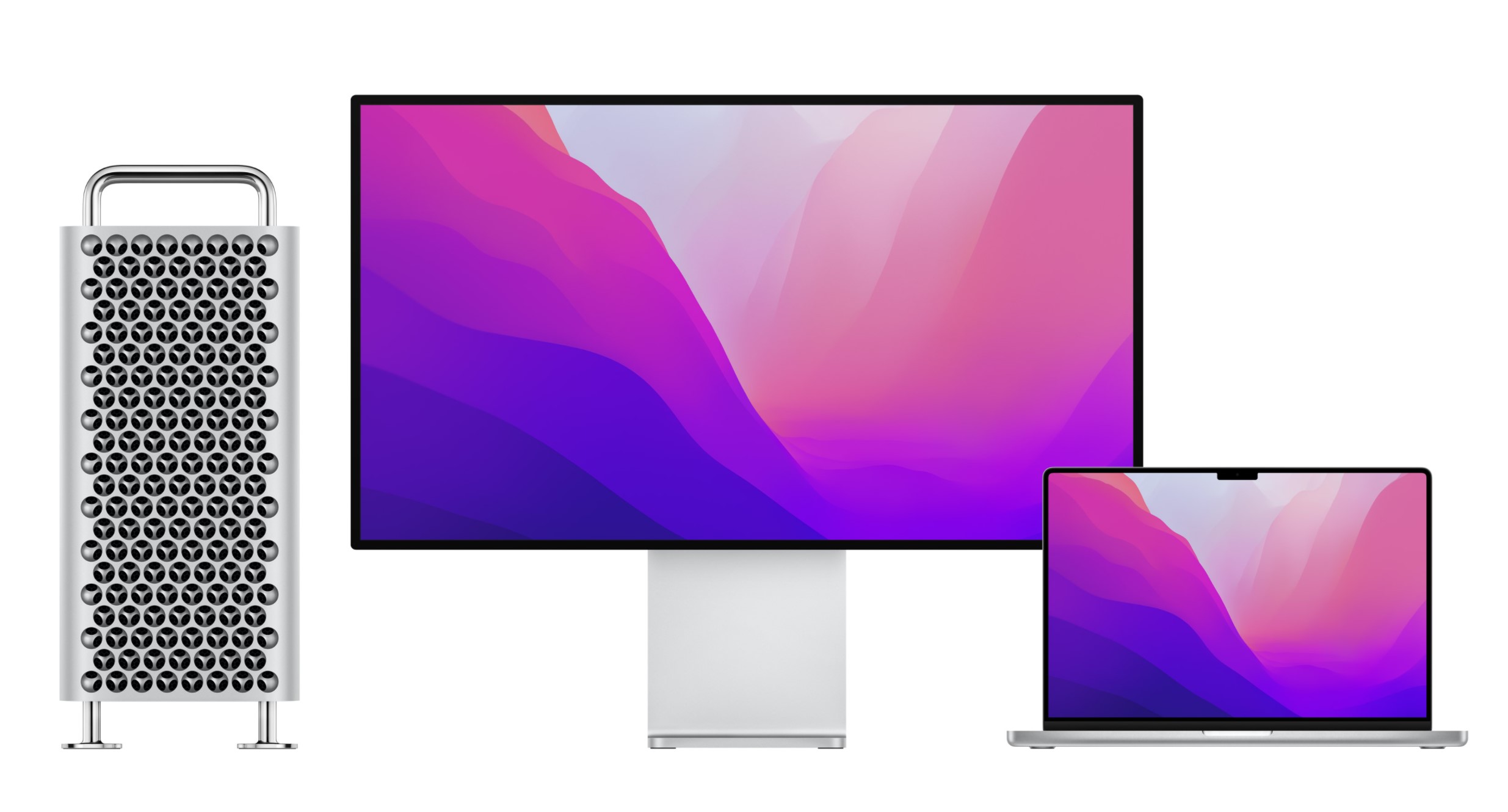
On the higher end, the Mac Pro was last released in 2019 and is Apple's most powerful machine yet: offering (up to) an astounding 28 core-processor with up to 1.5TB of RAM - yes, you read that right - and up to 8TB of SSD storage.
With a price tag starting at $5,999 (without a monitor), a purchase like this is out of reach for most budget-conscious documentary filmmakers, but if you’re looking for massive high speed video editing performance, this is it.
After the Mac Pro, your next best performing mac is the iMac.
With the iMac you get up to 18 core processors, up to 256GB of RAM and up to 4TB of storage. A terrific high performing computer for video editing.
Apple 27" iMac
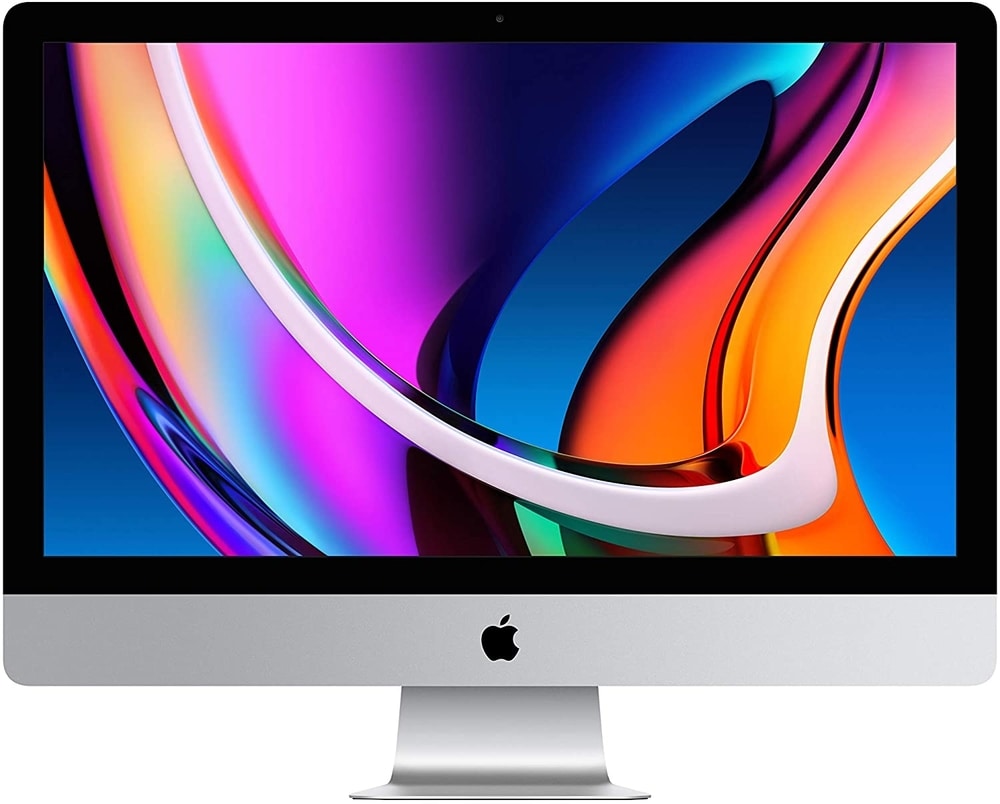
The 27" iMac with 5K Retina Display is another great choice for video editing at a bit more affordable price point.
The base model starts with 8GB of memory, 256GB hard drive, 3.1GHz 6-core i5 processor, a Radeon Pro 5300 graphics card with 4GB of GDDR6 memory and a 5k display.
As budget allows, add additional hard drive space (SSD is best/fastest), another 8 GB of RAM/memory and bump up to the i7 or i9 processor for max performance.
(The i3 processor is NOT recommended for video editing, i5 is okay for lower resolutions, i7 is excellent and i9 is best)
The biggest difference between getting an iMac and the Mac Pro are the rendering times, so if you’re being paid by the hour or are on a tight deadline, the Mac Pro is the way to go. Otherwise, the iMac is our overall best choice in Mac for professional video editing. (For those who need ultimate editing power, consider the Mac Pro)
If you already have a monitor, take a look at the newly upgraded Mac Mini. Make sure to get the Intel model with the i7 processor for best video editing performance (available via Apple). There are six expansion ports at the back for either USB or Thunderbolt external storage.
Final Cut Pro X, Davinci Resolve, Avid Media Composer or Adobe Premiere Pro (part of Adobe Creative Cloud) are all excellent video editing software options to use with a Mac.
Lenovo ThinkStation P620
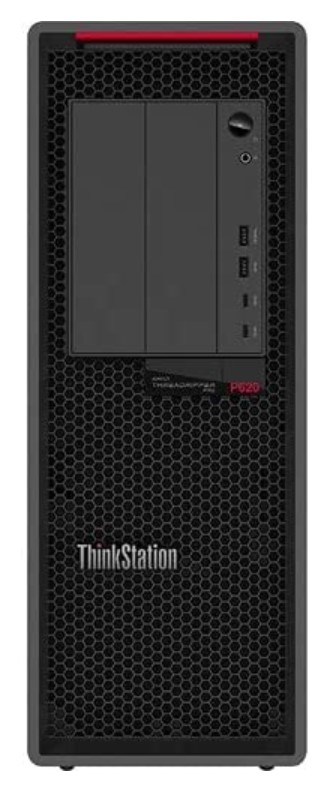
The Lenovo ThinkStation P620 is a workhorse for creatives at a relatively accessible price point. Starting at $1,900, this computer runs on the AMD Ryzen Threadripper, a top-of-the-line graphics processor that promises rapid-fire exports.
The base model starts with 16GB of memory, 256GB hard drive, and a NVIDIA Quadro graphics card. Got a few hundred extra bucks? Upgrade to the P720 for the 8-core Intel Xeon Silver 4110 Processor and 1TB of storage.
Need a monitor for your ThinkStation? Check out BenQ.
Hewlett-Packard ENVY Desktop Computer
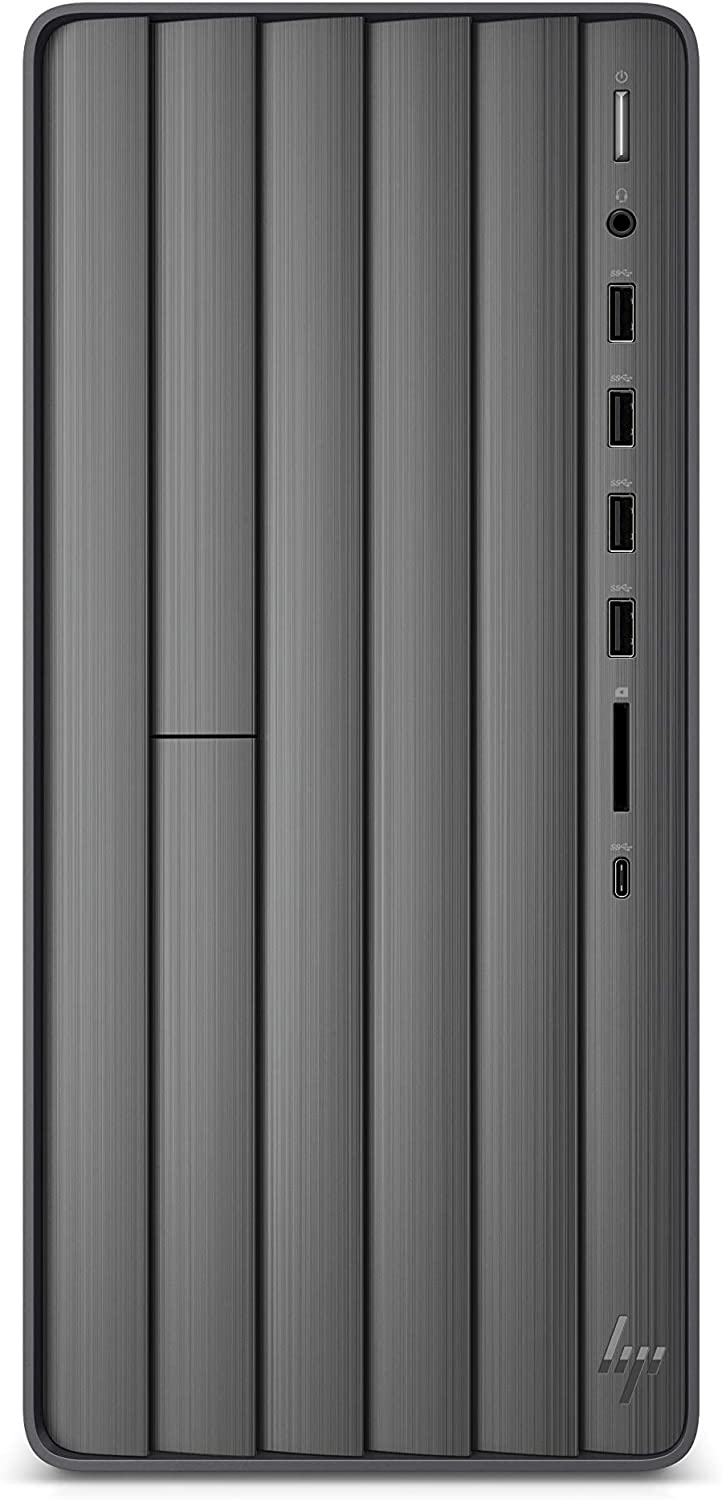
If you prefer editing on a Windows-based computer, the Hewlett-Packard ENVY Desktop line is a terrific choice. Recent models using the i5 processor can be purchased for $700-$1,000. Or pay a few hundred dollars more for the i7 (recommended).
This machine is a great choice for mid-range video editing with stability and speed adequate for any standard documentary project.
With the latest version, enjoy hefty performance with the 11th Generation Core i7 processor. You can start with 16 GB RAM and upgrade up to 32 GB later, whatever your budget will allow. And of course you'll need to budget for a monitor.
LAPTOP COMPUTERS FOR
VIDEO EDITING
In general, laptops are not the best choice as a long-term video editing solution. You tend to pay more for less with laptops and the smaller screen size is not ideal for the detail work involved in video editing. But, if you travel and need a quick video editing solution on the go, here are the top choices.
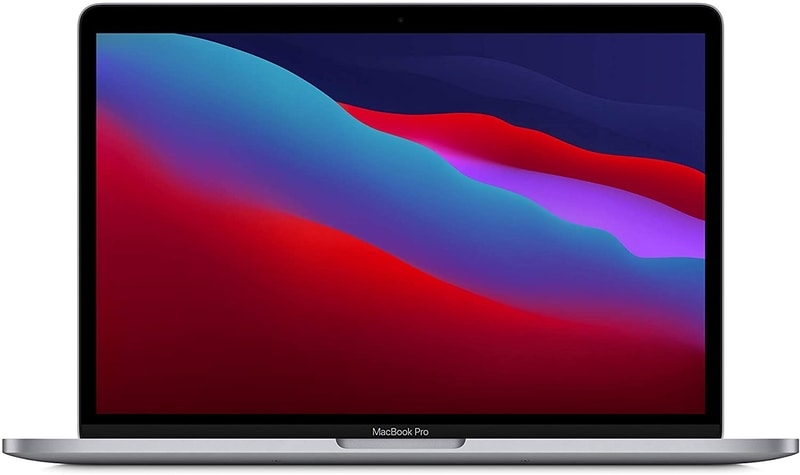
Apple MacBook Pro
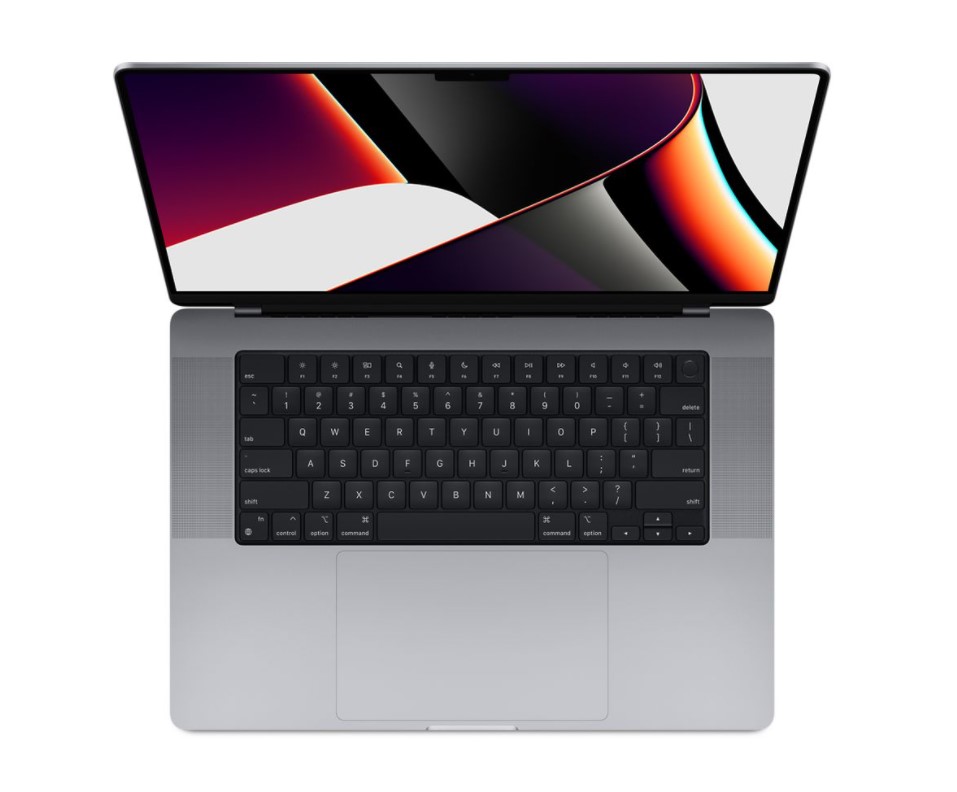
Again, you can't go wrong with a Mac. Macs are built for multimedia projects and the MacBook Pro is a solid choice.
If you've got the budget, it's best to get the high-end 16-inch with Liquid Retina XDR Display. That model comes with Apple's new M1 Pro chip processor, ultra fast 512 GB SSD hard drive, three Thunderbolt (USB-C) ports and a long list of configurable components.
Heads up Premiere people - some editors have had problems running Adobe Premiere Pro on the new M1 processor.
ASUS ZenBook Pro Duo 15 OLED
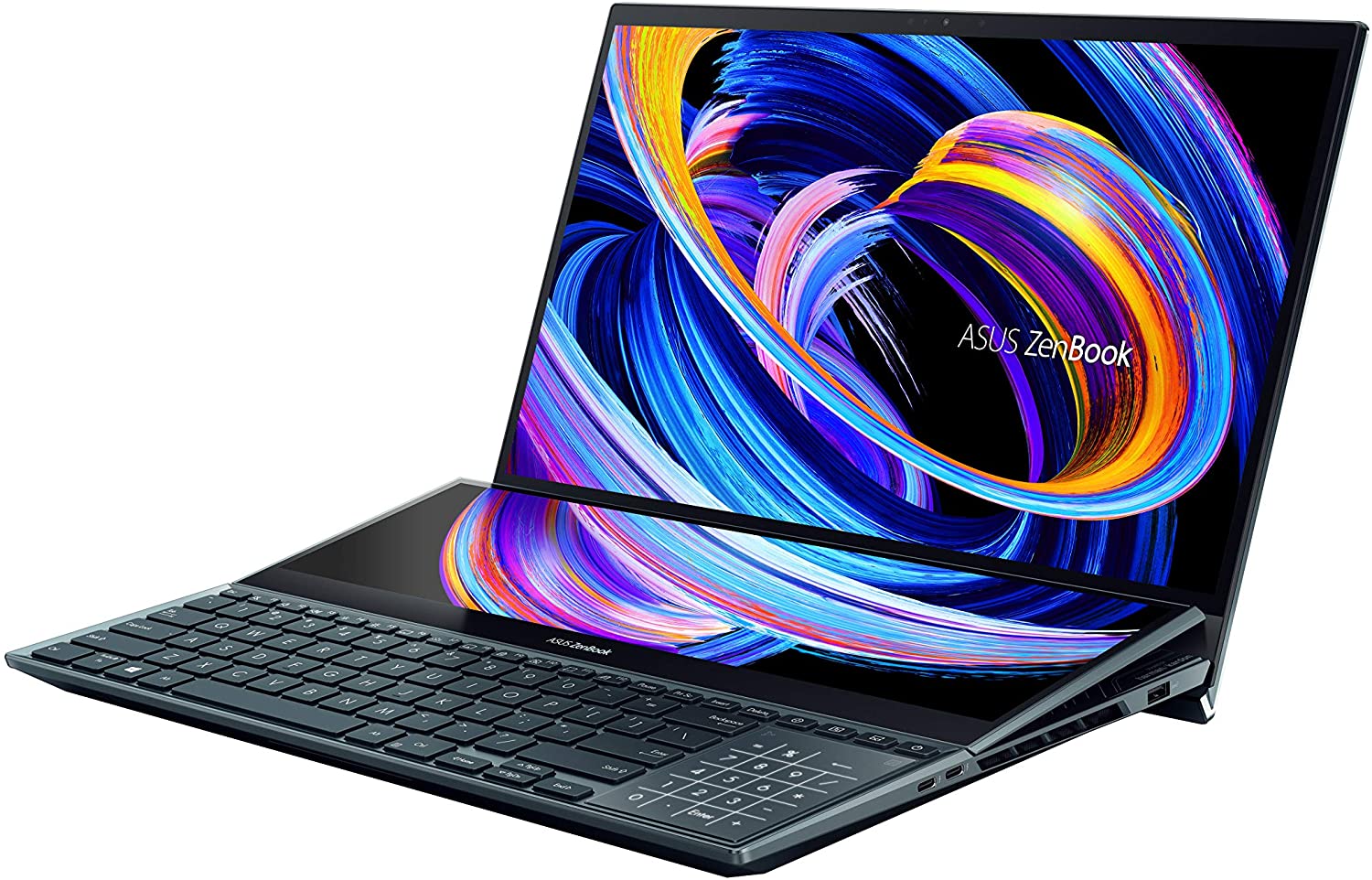
On the PC side, try the ASUS Zenbook Pro.
For the price, this laptop comes extremely well-equipped with the power needed to complete video editing projects on the go. While it’s not a long-term editing solution, it’s a great machine for a beginner or intermediate filmmaker.
With the 15-inch model, you get the 12th Gen Core i9 processor, 4K touch display monitor, 32GB RAM and a 1TB SSD hard drive.
Plus, this laptop transforms with a tilting secondary display - a unique tool that seems made for correcting color and sound on the go.
Dell Precision 7760
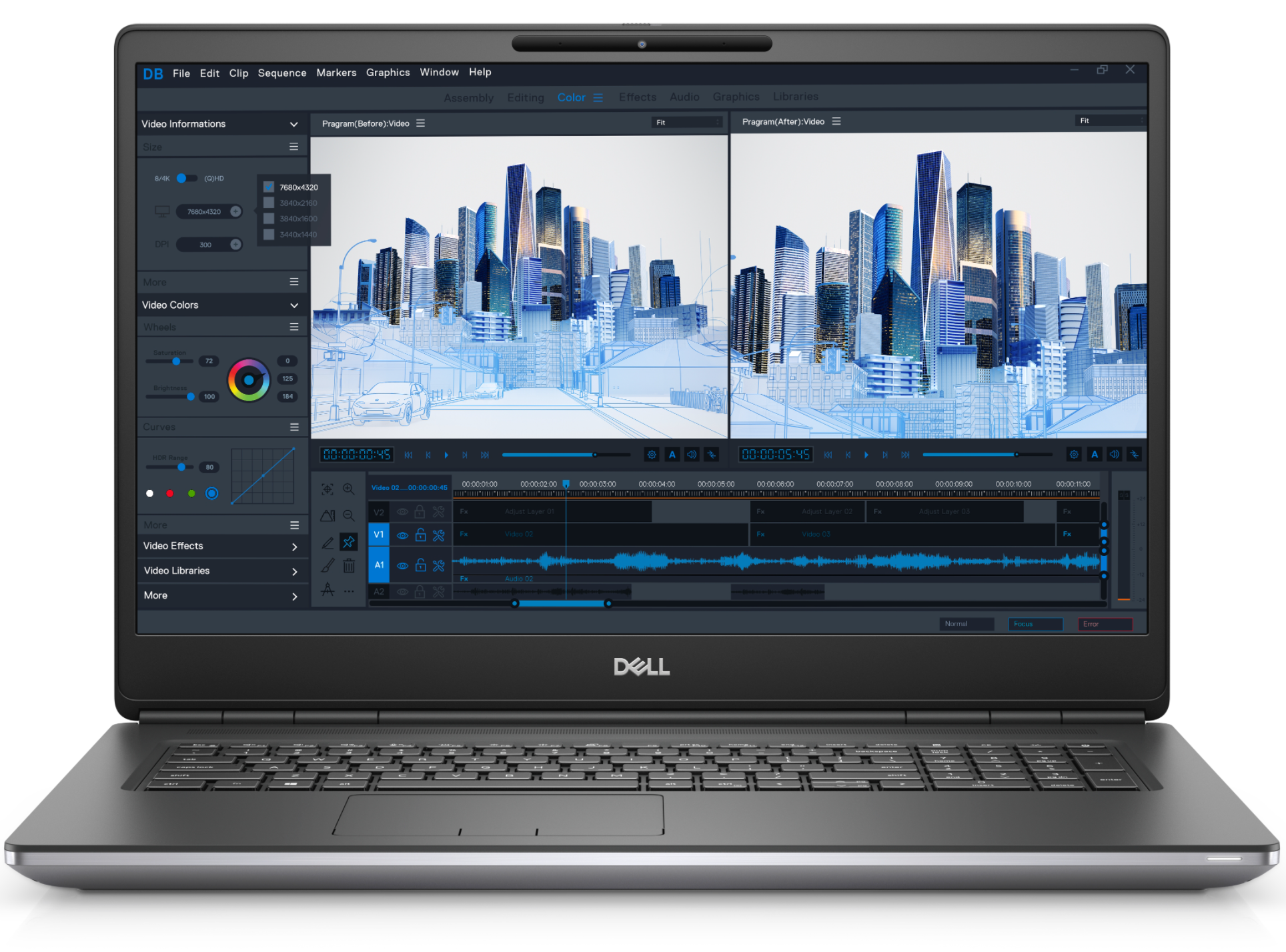
At just under $1,800, the Dell Precision 7780 Workstation is a great option for filmmakers who don't want to spend a fortune on a laptop.
The standard model offers a wide 17-inch display and 8GB of memory. Plus, you can easily upgrade every aspect of your system as you wish - graphics card, processor, hard drive and more.
The 7760 comes equipped with two USB-C Thunderbolt 4.0 ports, 2 USB 3.2, an HDMI 2.1 and mDP 1.4.
Computer Buying Cheat Sheet
Here are your basic specs to look for when buying a computer for video editing (even older/used models):
- Memory/RAM: 8-64 GB RAM or as much as you can afford (ideally at least 16GB)
- Processor: Multi-core Intel i5/i7/i9 models (i9 is best). Preferably 4 or more processor cores. Ideally 9th generation and newer.
- Storage: At least 256 GB hard drive, 7200 RPM, preferably SSD (fastest), HDD also good... buy as much as you can afford, you can always add external hard drives. Avoid SATA drive if possible.
- Graphics Card: Depends on video editing software. For example, Premiere Pro and Davinci Resolve do well with both AMD and NVIDIA. (Minimum 2GB memory)
- Operating System: Windows 10, MacOS, Linux (Your OS will likely determine the editing software you go with)
- Nice Size Screen: 19-21 inch minimum
- Firewire or Thunderbolt Port: Built in or as an external dock
Top Smartphones For Filmmaking
Popular Filmmaking Gear


Recommended For You
Documentary Ideas: Create, Pitch and Explore Dozens of Ideas
Ready to start filming and in need of documentary ideas for inspiration? Or maybe you have a great idea you'd like to share? Browse dozens of ideas and learn how to generate your own.
How To Create A Documentary Pitch Deck (with Examples)
Step by step how to create a documentary pitch deck with examples! Key elements include logline, synopsis, target audience, visual style, key characters...
10 Camera Movements On A Budget
Filmmaking hacks! 10 easy camera movements you can pull off without ANY extra gear.


You May Also Enjoy:
- Step-By-Step: How To Make A Documentary
- How To Get Your Documentary on Netflix
- How To Create An Accurate Documentary Budget
Documentary Courses & Templates

Ready To Make Your Dream Documentary?
Sign up for our exclusive 7-day crash course and learn step-by-step how to make a documentary from idea to completed movie!






HOT!
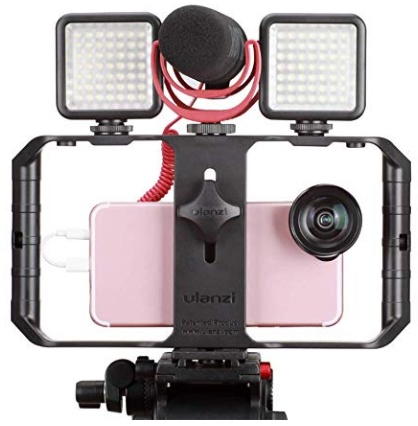
Low-Budget
Documentary Gear
What People Are Saying
Desktop Documentaries
Comments

I just wanted to say that I think your website is amazing . I am a beginner with an idea, and the info and articles on your website are easy to understand and answer many questions I have. I can not wait to start filming!

- Sarah (Sydney, Australia)
I am a professional filmmaker, and I applaud this site for detailing the ABC's of documentary filmmaking. It serves as my own checklist as I continue making my own movies ... Thanks!
- Sabrina Aviles - Boston, Mass.