
Video Production Editing
for Documentaries
So you’re looking for tips on video production editing? Awesome!
This is the COOLEST part of the process if you ask me.
It’s like putting together a GREAT BIG PUZZLE.
Now, I realize not everyone shares my excitement over editing. It can actually be quite a grueling process, but when the story starts to come together, it’s like watching a miracle unfold in front of your eyes.
What Is Video Editing?
At its simplest, video editing it’s the placement of shots one after the other in a sequence.
Where it gets complicated is finding the narrative and rhythm of the story: the storytelling.
Tips for Video Production Editing
- Know your footage intimately.
Make sure you’ve seen ALL the footage available and are intimately aware of all the elements, including photos, graphics, audio clips and music. Log your tapes and STUDY your footage. - Lay-out the key elements of your film.
Start placing all your favorite elements on the timeline and watch them through in its rough form to start “feeling” what works. Your building blocks are usually the key nuggets of emotion or moments (significant or subtle) that reveal some element of your story. - Start building the basic structure.
Narrow down your story into a beginning, middle and end. A typical storyline starts with a problem, progresses into a crisis and then gets resolved somehow in the end. - Create a compelling beginning.
Great documentaries capture the audience’s attention right away! It can be style or content, but it must be something that feels unusual to the viewer. If you don’t create intrigue and or rouse curiosity, you will lose your audience. One idea is to start with something already deep in the story, then you can back up and slowly begin to reveal answers. - Build a “Roller Coaster”
Once you have the basic story structure in place, this is where you start creating the filmmaking experience. Change up the rhythm of your story. If the story has the same rhythm, no matter if it’s all fast or all slow, it will “feel” slow and boring. There needs to be fast sections and slow sections. Take your audience on a RIDE. Mix up the pacing with high points and low points. Take viewers on a “wild ride” and then let them breath. Create chaos and then let the event “sink in”. Remember, silence can be just as powerful as a fast paced sequence. - Refine and Re-edit
The only rule in video production editing is to do what WORKS. Refine and re-edit until it’s right. You can have the greatest quote in the world, but if it doesn’t move the story forward, cut it out. Do not get emotionally attached to any piece of footage or interview. Either it works or it doesn’t. Also, it is not uncommon during an edit to realize that what you originally planned for the middle or end of the story is actually better at the beginning or vice versa.
[Helpful hint: Sometimes the beginning of the film is not obvious until you’ve edited the bulk of your film. So just put SOMETHING down at the beginning to get you started, then you can go back.]
Don't have time to learn how to edit?
Make gorgeous videos with the click of a button using InVideo.
More Video Production Editing Tips
“Good Cut” vs. “Bad Cut”
How do you know when you’ve edited a great story?
You know you’ve edited a great story when you aren’t thinking about the video production editing or how the story is put together. You are simply absorbed by the story and what’s going to happen next. If you are taken out of the story for any reason, it means you have a “bad cut” and it needs to be fixed. However, a “good cut” is when the story has been edited in such a way that when the edit happens, it creates an emotional response. For example, a cut between a “before” and “after” shot can create a dramatic effect. Or, cutting video clips to the beats of music can create a “fun” response.
What is a jump cut?
A jump cut is usually considered a “bad cut”, but not always. A jump cut is when two shots of the same scene are edited together in a way that creates an unnatural flow. It can be jolting to the viewer. However, some filmmakers use it purposefully for artistic effect.
If you’re going to have a jump cut, have a series of at least three (3) so that the audience gets comfortable with this style. They need to understand that it’s not just a random jump cut or mistake, but that there’s reason behind it.
A word about music...
Don’t overdo it. Use it to “compliment” your existing footage.
If you have a very strong emotional moment, music may take it over the top and make the audience feel the moment was “forced” on them. However, if you don’t have a strong emotional moment, but want to convey emotion, that’s when music can be most helpful. Music is also a great way to help the viewer transition from one scene to the next and can help carry the story.
Video Editing Software
 |
There are many tools for editing your documentary... some free, others thousands of dollars. Learn about the various video editing software options. |
Final Thoughts on Video Production Editing:
Keep it SIMPLE. Don’t try and be coy when you’re editing. If there is something the audience needs to understand, make sure they understand. Ask yourself, how would I explain this story to a 10 year old? It must be THAT simple.
Take breaks. If you’re struggling with a sequence, walk away or work on a different section. It’s easy to lose perspective when staring at the same footage for hours at the time.
And finally.. watch a lot of documentaries. Get a “feel” for what works, study the techniques and be inspired.
I hope these video production editing tips have been helpful.
Happy editing!
Recommended For You
Creating A Captivating Documentary: Your 7-Step Guide
Oscar-nominated Daniel Raim shares 7-steps to creating a captivating documentary. 1. Begin with a hook 2. Develop Your Characters 3. Identify The Conflict...
Documentary Ideas: Create, Pitch and Explore Dozens of Ideas
Ready to start filming and in need of documentary ideas for inspiration? Or maybe you have a great idea you'd like to share? Browse dozens of ideas and learn how to generate your own.
How to Make a Sizzle Reel
Filmmakers use their sizzle reel to share their talent, find like-minded collaborators, and get gigs. These are the best tips for filmmakers making their first sizzle reel.


Other Articles You May Enjoy
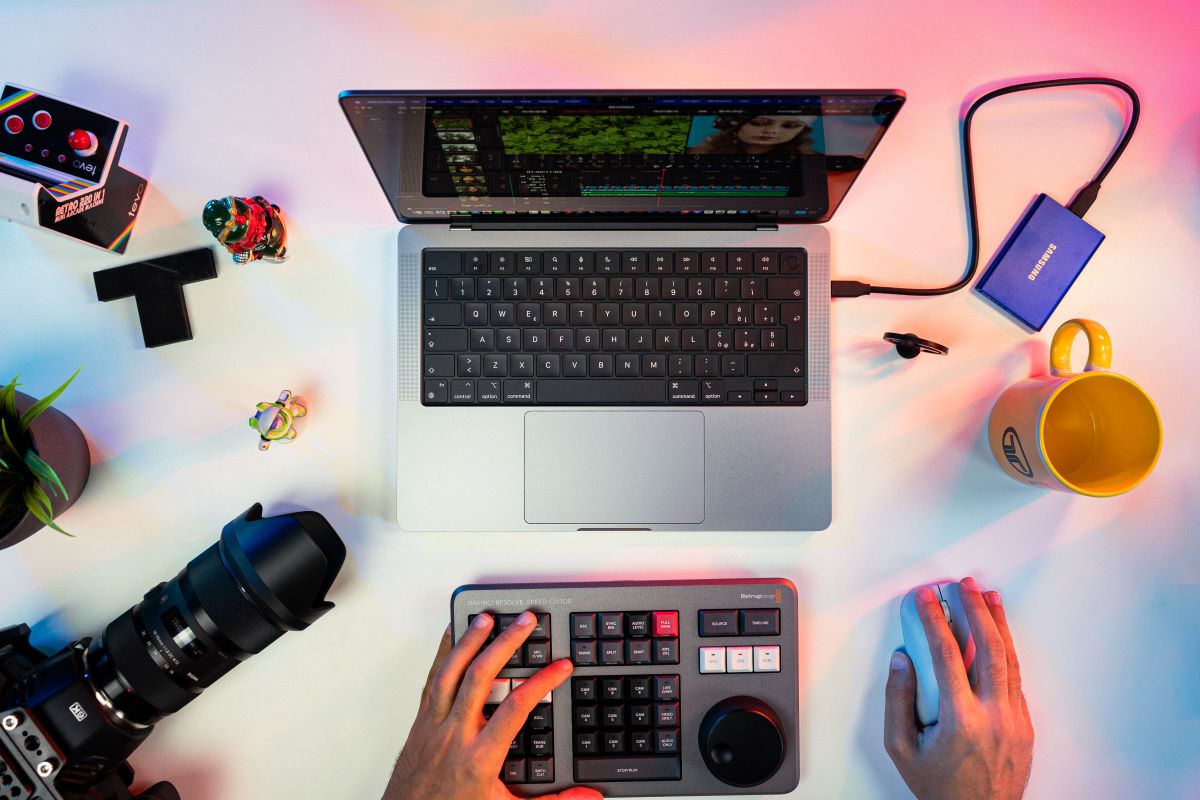
- Choosing a Computer for Video Editing
- Making Documentaries: What Camera Should I Buy?
- How To Maximize Smartphone Video
Ready To Make Your Dream Documentary?
Sign up for our exclusive 7-day crash course and learn step-by-step how to make a documentary from idea to completed movie!




HOT!
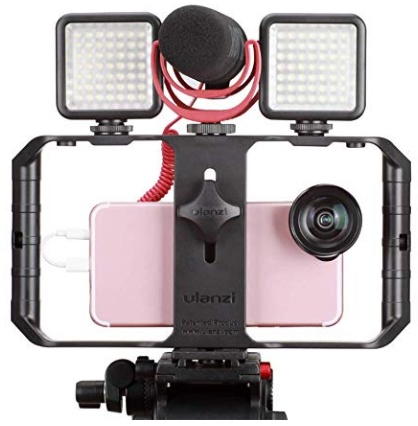
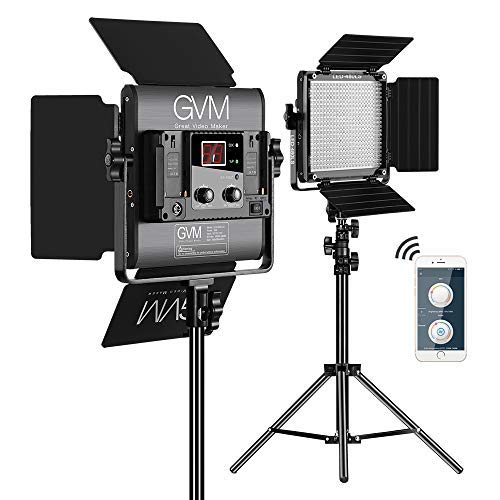
Low-Budget
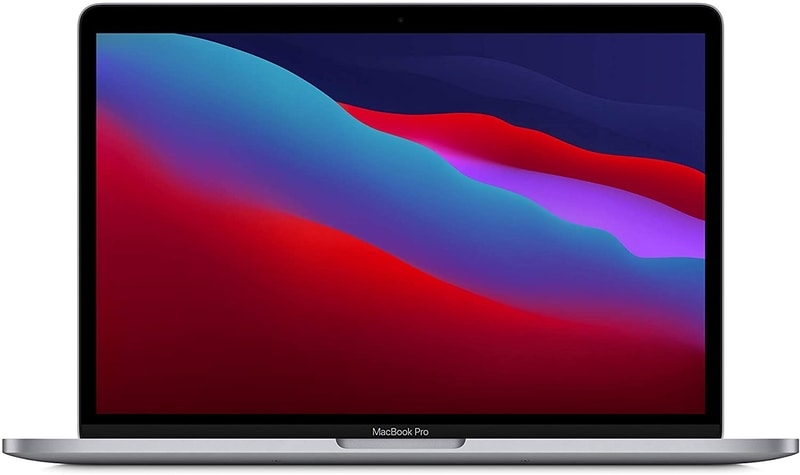
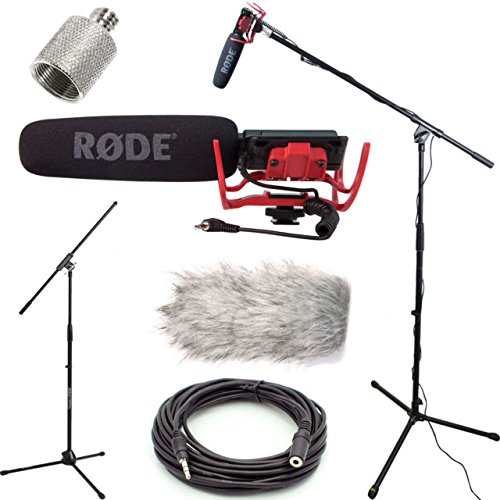
Documentary Gear
What People Are Saying
Desktop Documentaries
Comments

I just wanted to say that I think your website is amazing . I am a beginner with an idea, and the info and articles on your website are easy to understand and answer many questions I have. I can not wait to start filming!

- Sarah (Sydney, Australia)
I am a professional filmmaker, and I applaud this site for detailing the ABC's of documentary filmmaking. It serves as my own checklist as I continue making my own movies ... Thanks!
- Sabrina Aviles - Boston, Mass.